Tournament formats and seeding
Choose single elimination, double elimination, round robin, or Swiss, then seed competitors for the opening round.
Run tournaments, keep ranked matches going, and recognize the players who return. Explore the tools that connect your competition workspace and Discord.
Feature availability and limits depend on your plan and competition settings. Compare plans and current pricing. Sponsored placements are purchased separately.
Give every tournament a clear structure, from the opening round to the final result.
Choose single elimination, double elimination, round robin, or Swiss, then seed competitors for the opening round.
Record match results, advance competitors, and manage bracket corrections from your tournament workspace.
Keep rules, schedules, participants, brackets, and standings available for players and spectators to follow.
Give players a reason to return between events with ladders and ranked Discord matches.
Run ongoing competition with team challenges, match reporting, configurable scoring, standings, and seasons.
Configure team sizes, matchmaking, and player requirements from the web. Players join queues and complete routine match actions in Discord.
Choose balanced matchmaking or captain drafts, configure map voting, and give teams dedicated voice rooms for their matches.
Track player ratings, match history, and ranked leaderboards. Run seasons and manage ranks from your server dashboard.
Recognize the people who keep showing up, as well as the people who win.
Award XP for supported tournament, ladder, and Discord queue activity, with configurable rules for your community.
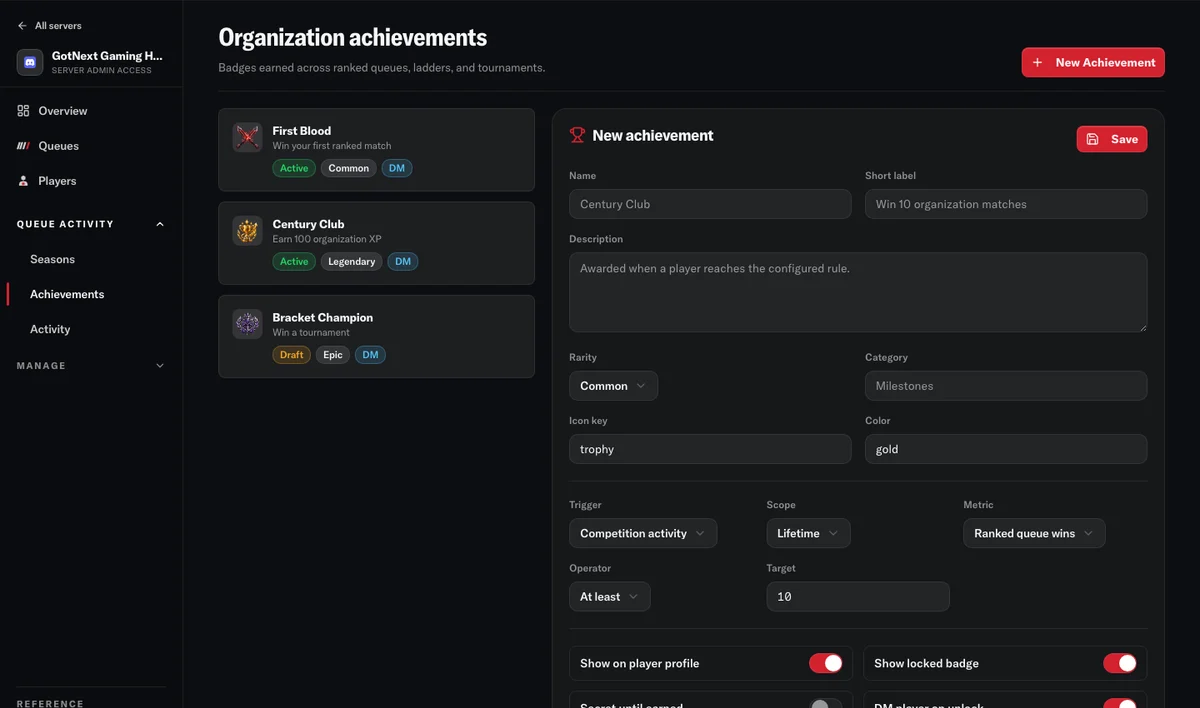
Create achievements for competition milestones, XP levels, and staff-selected awards, with custom names and badge artwork.
Show player XP and levels in your organization leaderboard so participation has a visible record across competitions.
Make earned achievements and competition history part of a player’s profile. Connect supported rewards and announcements to Discord.
Keep staff, teams, and competitors working from the same competition records.
Set registration windows and eligibility, manage approvals and waitlists, and check competitors in before play begins.
Manage competition teams, captains, invitations, and the players fielded for each competition.
Collect match reports and supporting evidence, confirm results, and give staff tools to resolve disputes and make corrections.
Assign roles and permissions, track administrative activity, and route supported competition notifications to Discord and the web.
Give events a consistent presence wherever your community follows them.
Customize event identity, display sponsor logos, and show the prizes offered for your tournament.
Share supported competition views on external websites so spectators can follow the event where they already are.
Bring supported competition information into your broadcast with dedicated stream overlay views.
Purchase a fixed-duration placement for an eligible public competition on the Featured page. Each paid placement is visibly labeled Sponsored.
Create your organization, connect your Discord server, and choose the competition you want to run first.